Request tracking for auto recyclers
Every request is a lead on what to buy next.
YardNotes logs every part request with the vehicle it’s for. Follow each one through to the sale, then use the record to decide which cars to buy and which parts to keep.
Or email hello@yardnotes.app
Requests by vehicle
Sample data
- 2012 Ford F-15041
- 2008 Honda Accord33
- 2015 Chevrolet Silverado27
- 2010 Toyota Camry19
that’s your shopping list
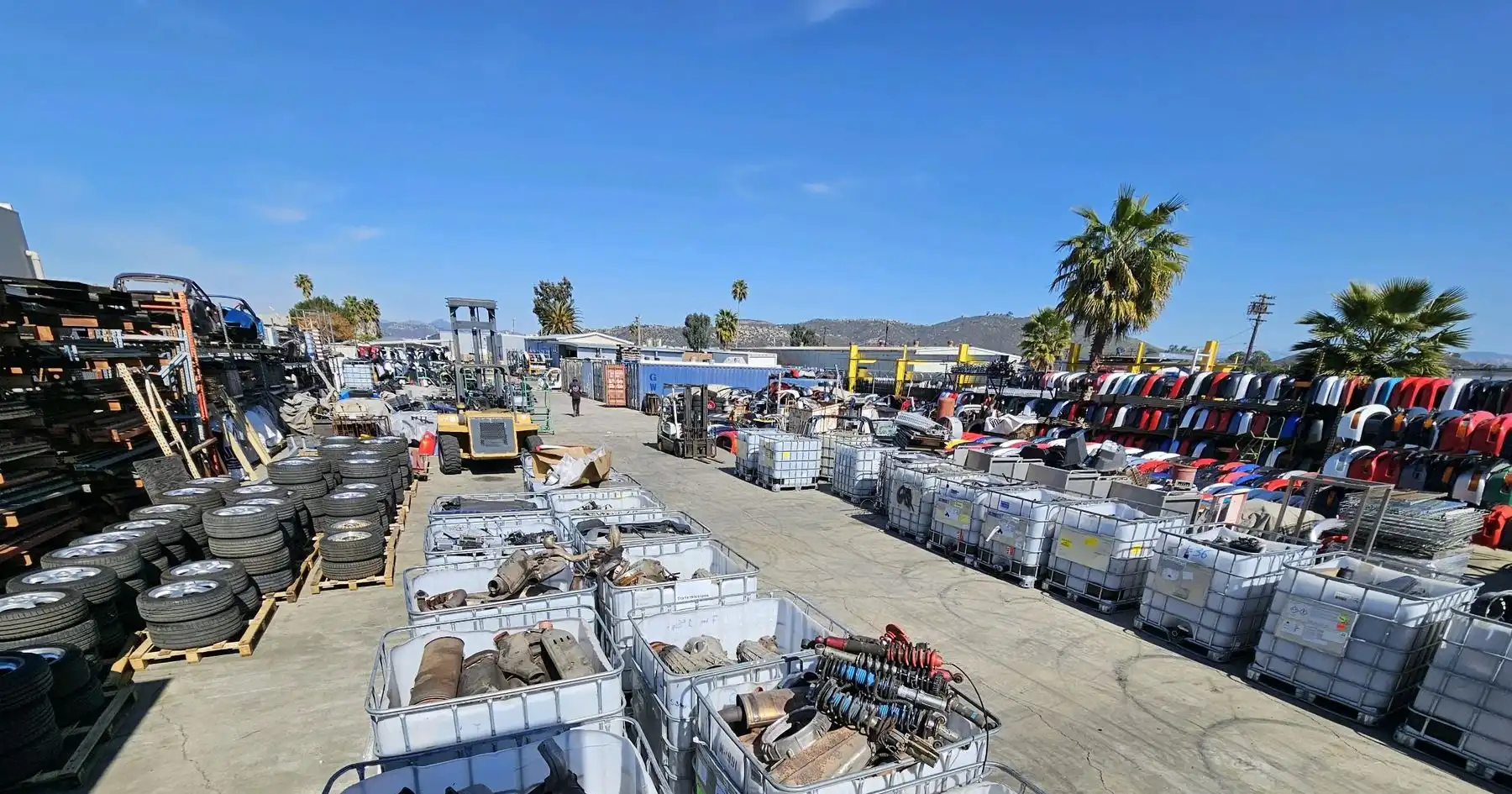
Buy the cars your customers ask for
Every request you log is a customer telling you what they’d pay for. YardNotes adds them up four ways.
By vehicle
Which makes, models and years people ask about most.
Monthly trends
How request volume moves through the year.
Summary
Requests taken and closed for any dates, with quoted and retail totals.
By user
Who takes requests, who last updated them, and who fetched the parts.
Quit writing it on your hand
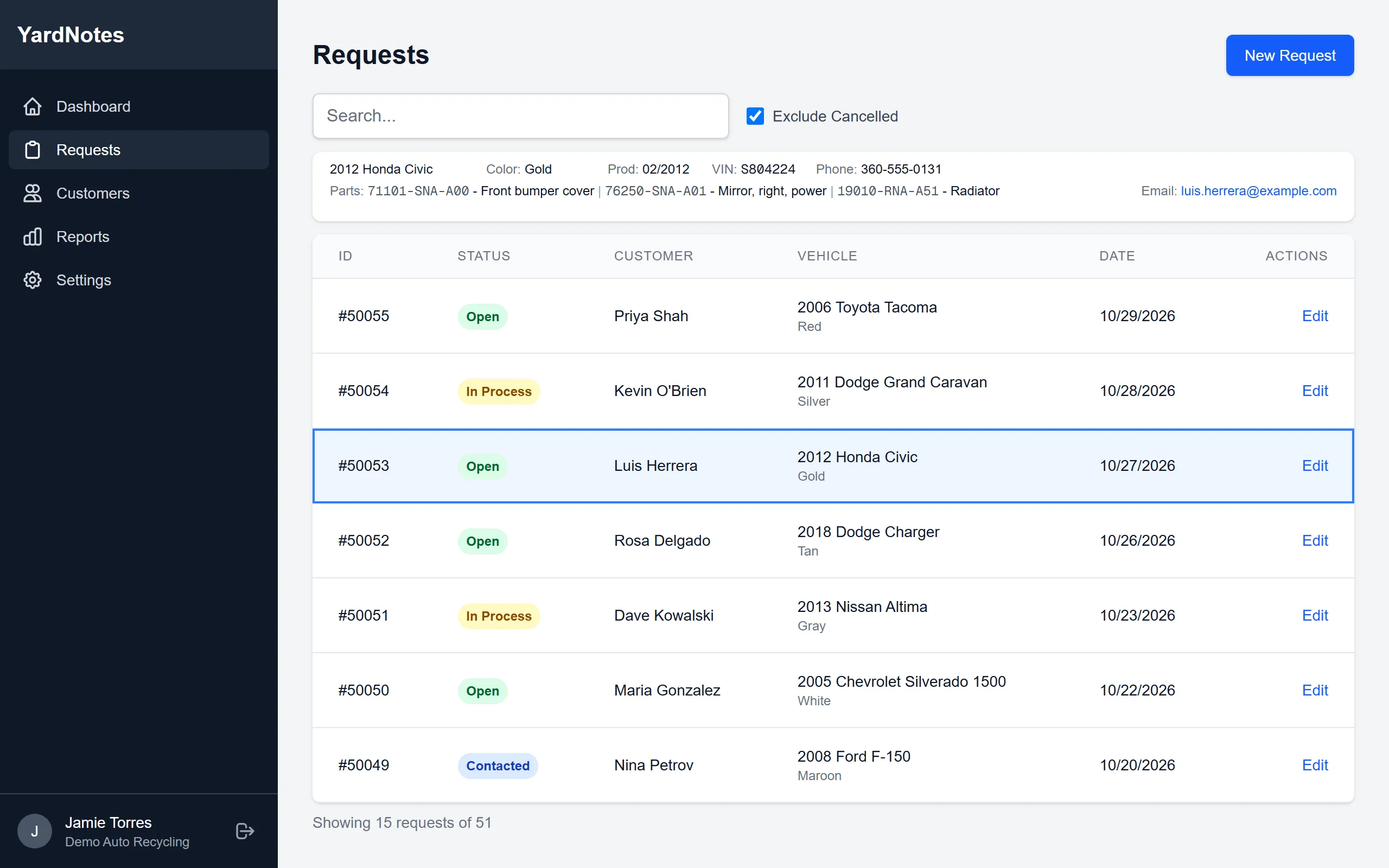
One list shows every request: what’s open, who’s been called back, and what’s been filled. Search it, and keep cancelled requests out of the way.
this used to be a whiteboard
What’s in it
Requests
Customer, vehicle and every part they asked for on one page. Move each request from Open to In Process, Contacted and Filled, and print a label for it on a thermal label printer.
Customers
Find a customer and see their request history. Their previous vehicles fill in with one pick.
Part lookup
Type a part number and the description and price fill in from parts you’ve saved before. Each part keeps the price you quoted beside its retail price.
Your vehicles
Set up the makes, models and engines your yard deals in. The lists are yours, and you can add to them at any time.
Reports
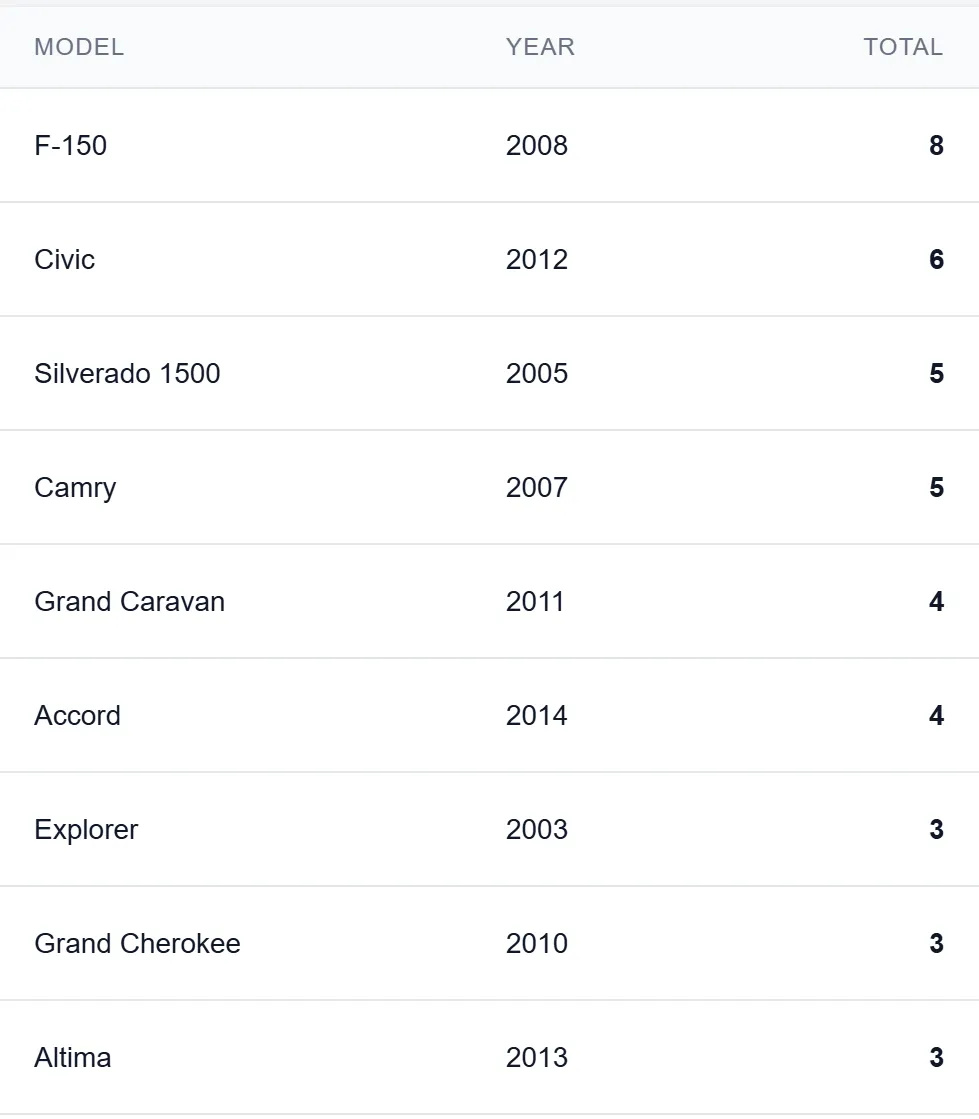
See which vehicles your customers ask about most, so you know which cars are worth buying. The vehicle, user and monthly reports download as CSV.
Your team
Everyone signs in with their own account. Admins manage users, and your company’s data is kept separate from every other company’s.
How it works
Step 1: Log it
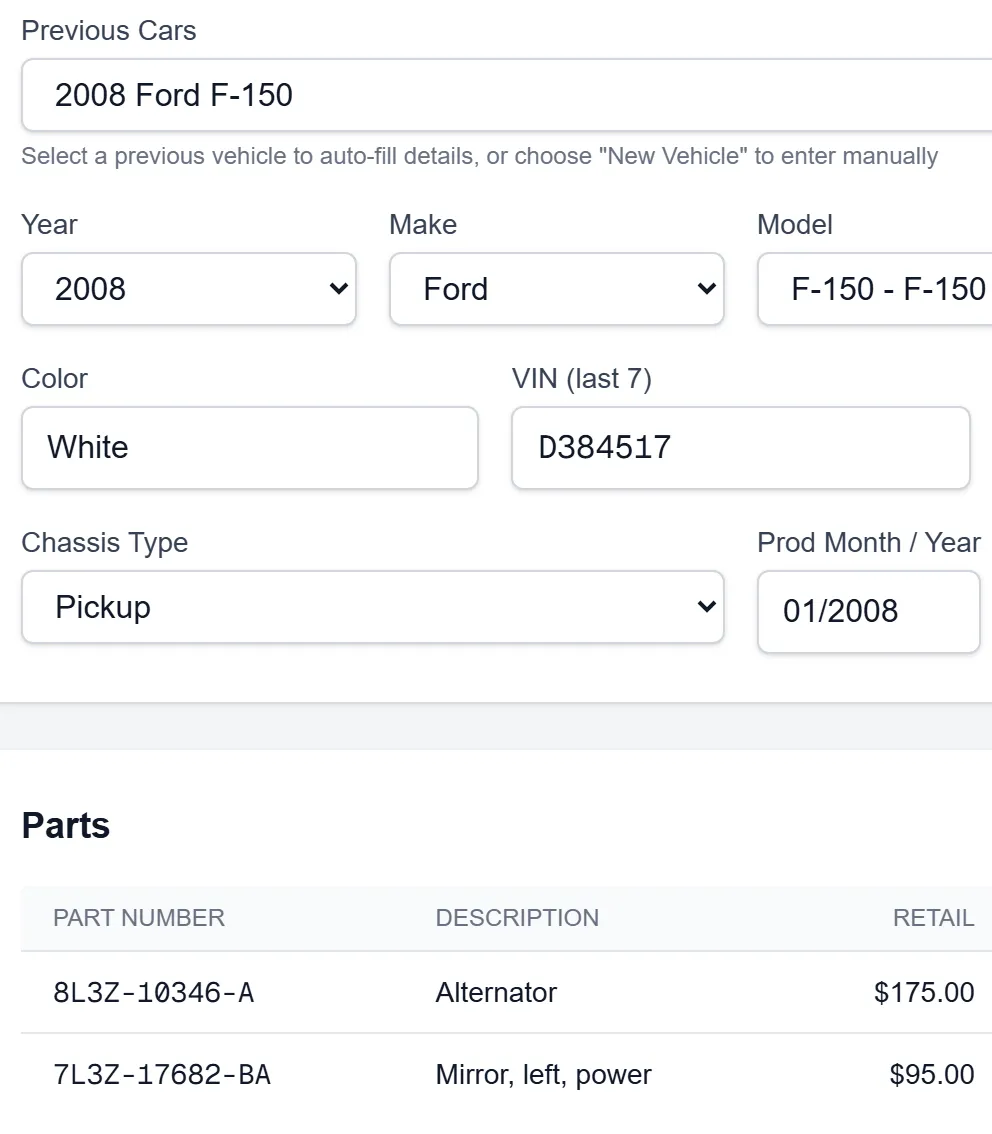
A customer calls, emails or walks in. Pick the customer, pick the vehicle, add the parts.
Step 2: Work it
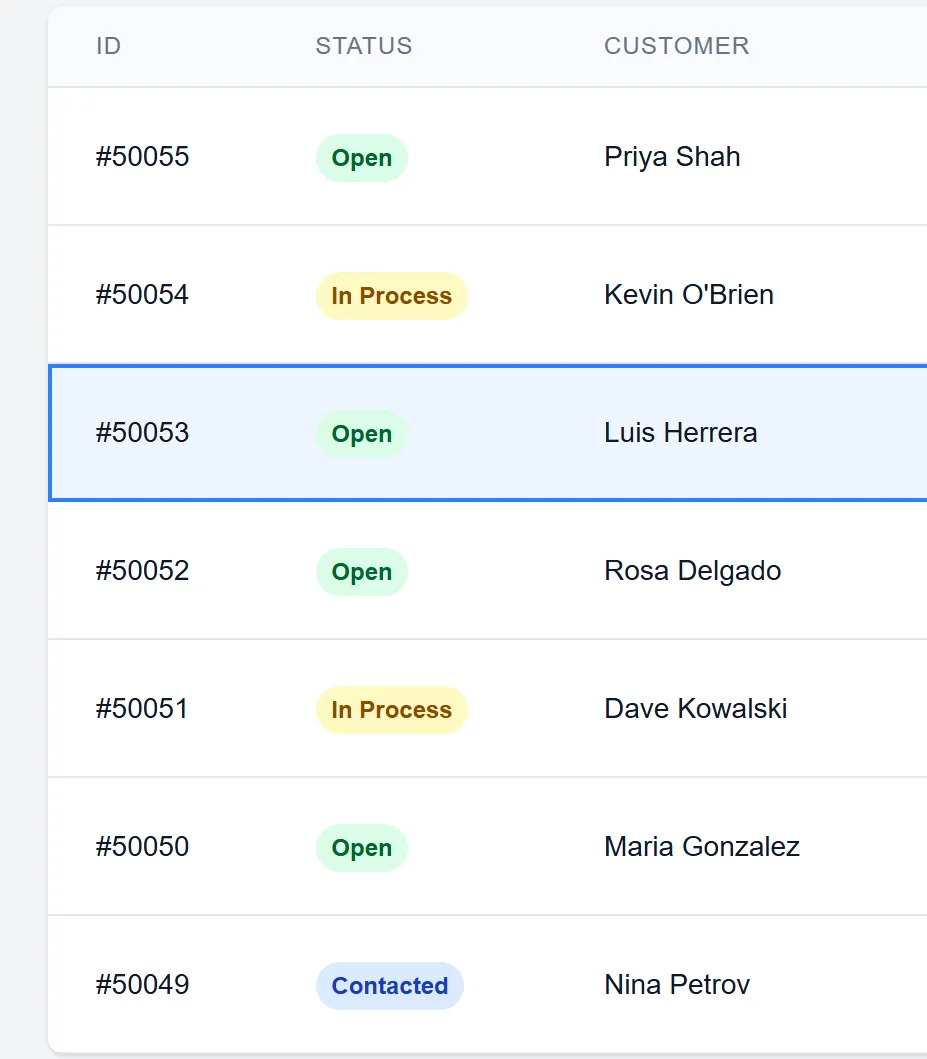
The request list shows what’s open and in process. Update the status as you find the part and call the customer back.
Step 3: Learn from it
Run the reports. See which cars people keep asking about, and buy accordingly.


Take requests from your website
Online requests land in the same list as the phone calls, with your own makes and models on the form and returning customers matched to their record. Wherever your website stands today, there’s a way in.
- Have a request form already? We connect it to YardNotes through a REST API.
- Have a site but no form? We’ll build the form for you.
- No website yet? Mobley Designs builds data-driven sites for yards, like autobahnparts.com. See mobleydesigns.com
Come kick the tires
Ask for a demo and we’ll walk you through it. Or write to hello@yardnotes.app.